
| User Roles |  Admin Admin |  Staff contributor Staff contributor |  External contributor External contributor | ✗ Pulse user |
In this article you will learn how to use the 'Securities summary' template within the working papers.
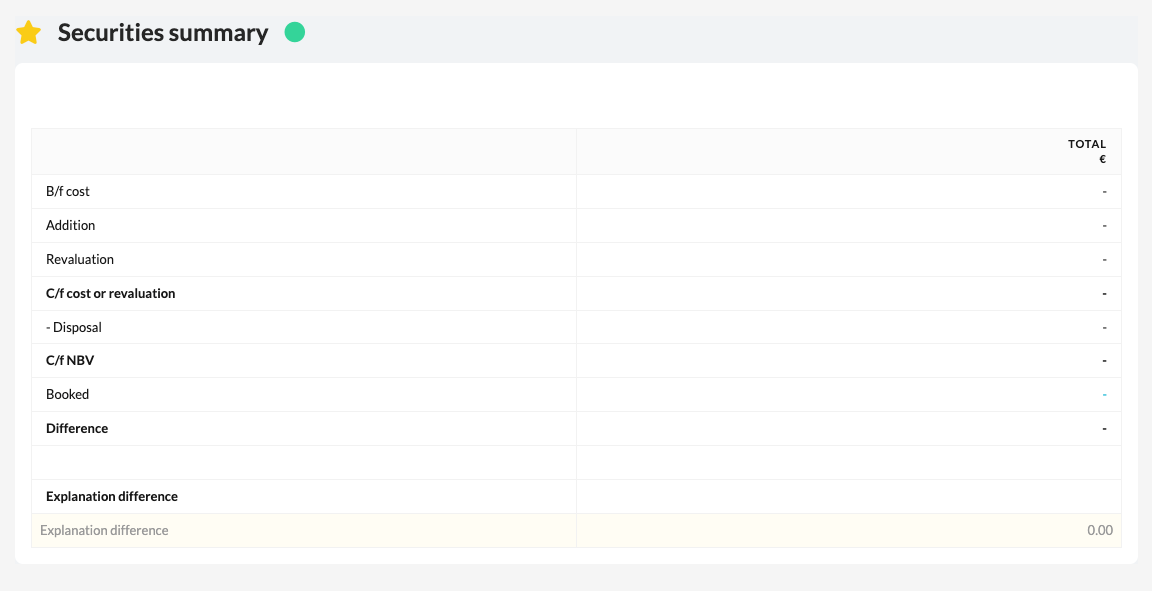
The template automatically collects all data entered via the Securities account template and provides a complete overview of the company's securities portfolio.
➡️ This template is specifically intended for files within the Dutch market.
Table of contents
What does the Securities Overview template do?
- The Securities Overview template gives an overall picture of the securities included in the bookkeeping.
All data from the linked Securities account template at the relevant general ledger accounts is brought together here. - This gives you a single view of the composition, value, and any movements of the securities during the financial year.
How do you use this template?
- Open the Securities Overview template in the file.
- Check that all general ledger accounts relating to securities are correctly linked to the Securities account template.
- Check that the displayed totals match the booked values in the bookkeeping.
- Where necessary, add notes or attachments to explain discrepancies or corrections.