
| User Roles |  Admin Admin | ✗Staff contributor | ✗External contributor | ✗Pulse user |
This article explains how to use the Silverfin Marketplace to find and activate account templates, reconciliations and reports. It covers where to find the Marketplace, how to explore packages, and how to see which packages are already active in your environment.
Table of contents
What is the Marketplace?
Think of the App Store applied to Silverfin, and you get the Silverfin Marketplace.
- The Silverfin Marketplace is where you find all Silverfin account templates, reconciliations, reports and more. Your environment will include the account templates and reconciliations activated through the Marketplace.
- All customers start with standard packages but can add extra packages at any time.
Getting started with the Marketplace
Where do I find the Marketplace?
The Marketplace is available to users with admin rights.
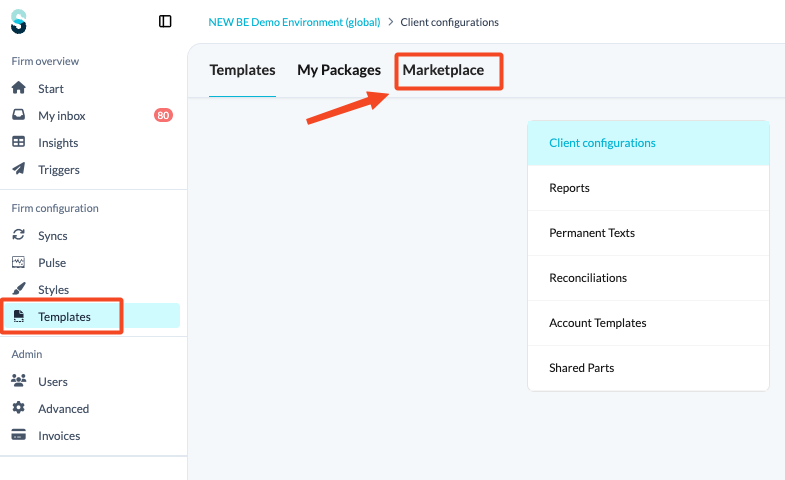
- In the left panel, under Firm configuration, click Templates.
- At the top of the page, click the Marketplace tab.
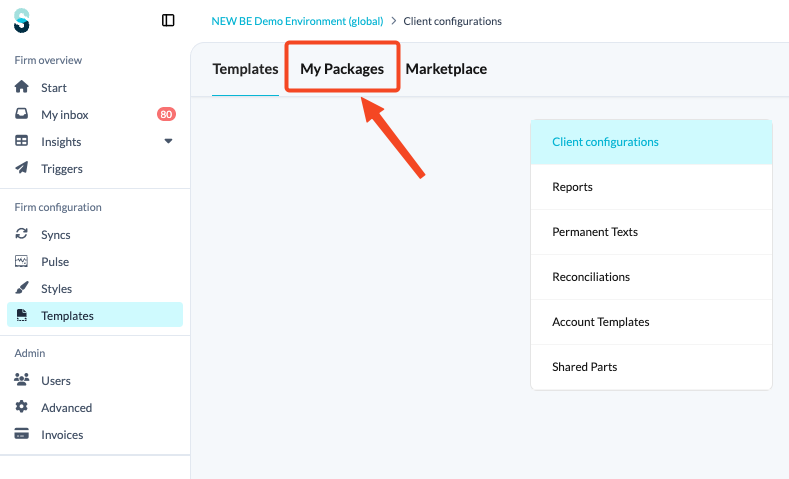
- To see which packages are already active in your environment, click the My Packages tab.
How do I explore and add packages?
- Inside the Marketplace, you can explore the available packages using the filters on the left-hand side: Category, Country and Legal form.
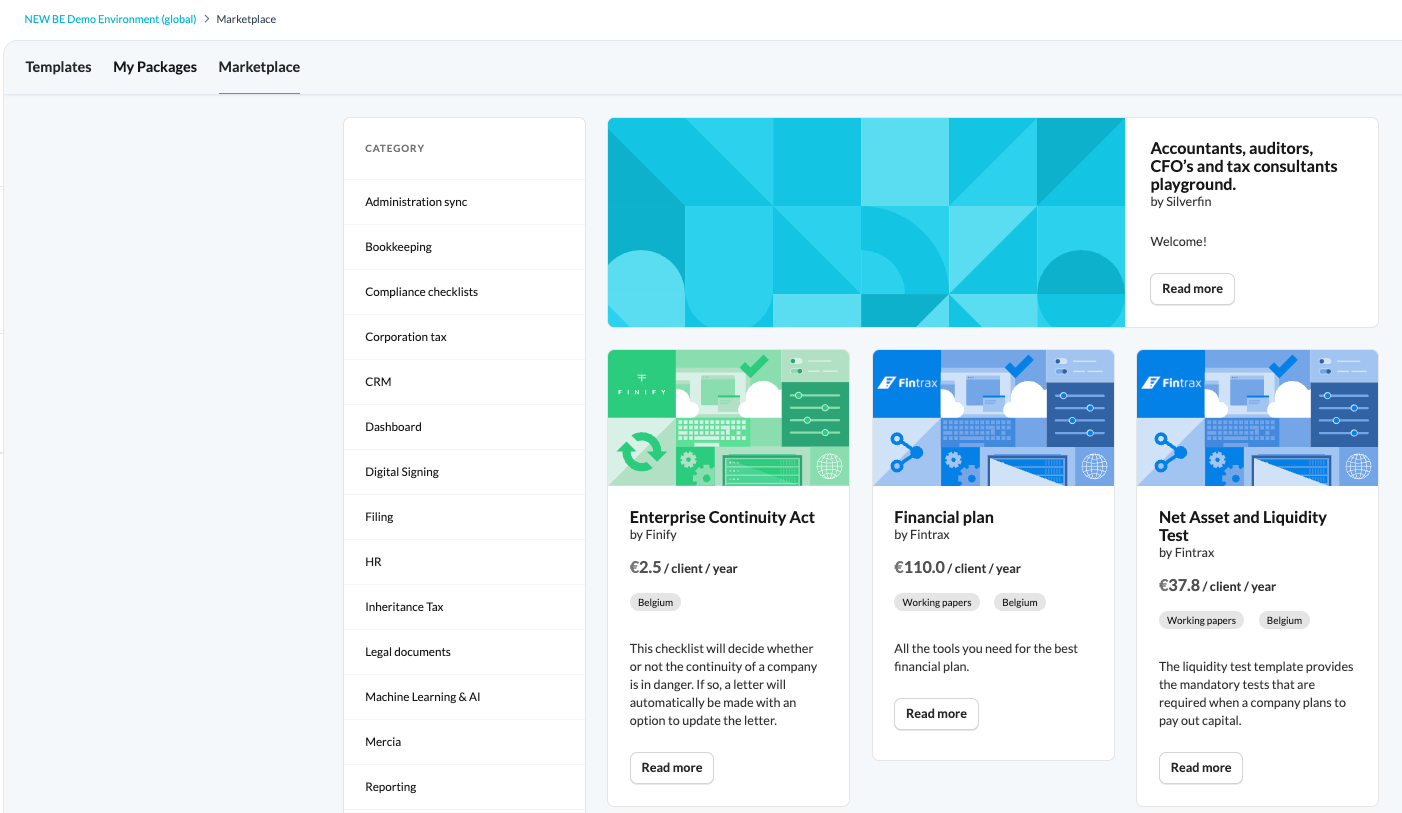
- To see if there are updates available for the package, select it to view details and activate any new components.
- To add a new package, contact your Customer Success Manager.
Only Silverfin staff can deactivate individual items in the package.