| User Roles |  Admin Admin | ✗ Staff contributor | ✗ External contributor | ✗ Pulse user |
Workflows and working screens are core components of the packages available in the Silverfin Marketplace. This article explains how marketplace workflows behave, how updates are managed, and what options you have to customise them.
Table of contents
- What is a Marketplace workflow?
- How to identify Marketplace workflow
- How updates to Marketplace workflows work
- Editing a Marketplace workflow
What is a Marketplace workflow?
- The Silverfin Marketplace acts as a central hub for content such as Reconciliations, Account Templates, Reports and more. These are grouped into packages that can be activated in your environment.
- A workflow is a process that includes a specific set of templates for explaining or detailing various (tax) operations. Silverfin offers several types of workflows to streamline different processes, including standard working papers for balance sheet and income statement explanations, annual accounts, corporate tax and more.
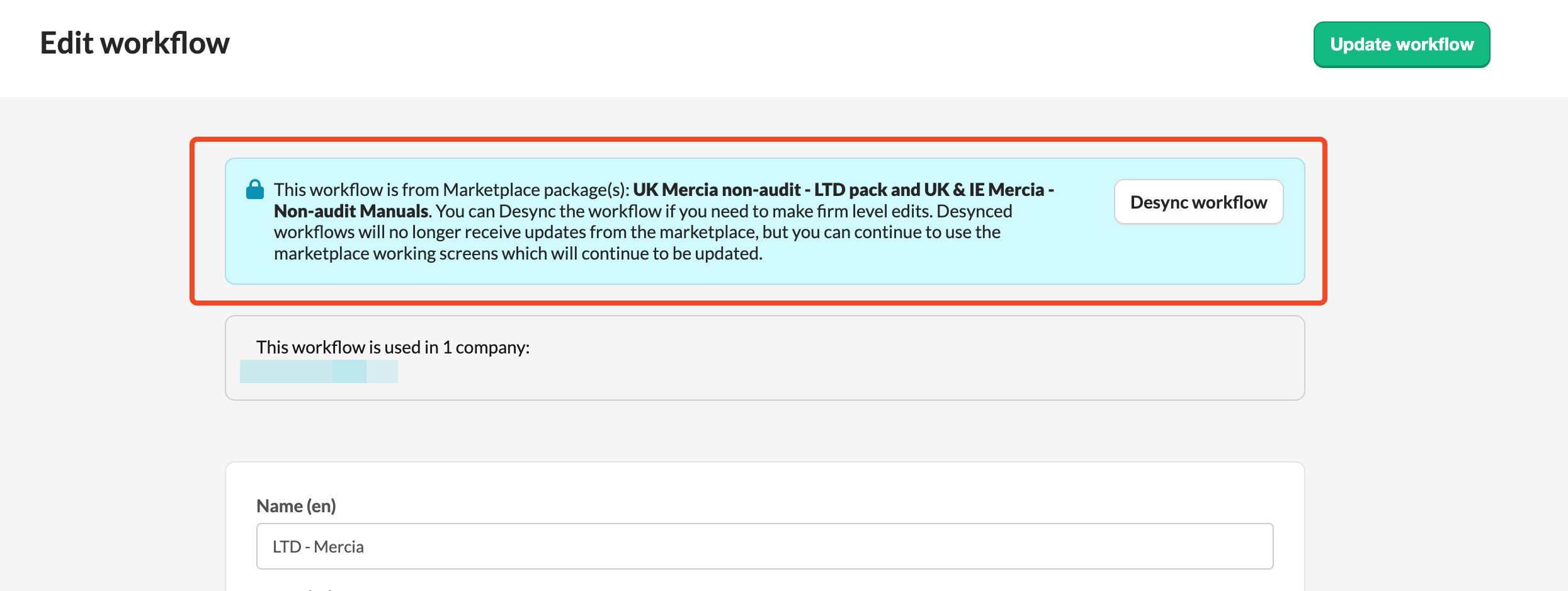
- When you activate a workflow from the Marketplace, it is linked (synced) to its source. This means it can receive updates from developers who maintain it.
- Read more about Silverfin Marketplace in the following article.
How to identify Marketplace workflow
Marketplace workflows are developed either by Silverfin or Silverfin Partners and can be identified by a grey tag next to Workflow name:

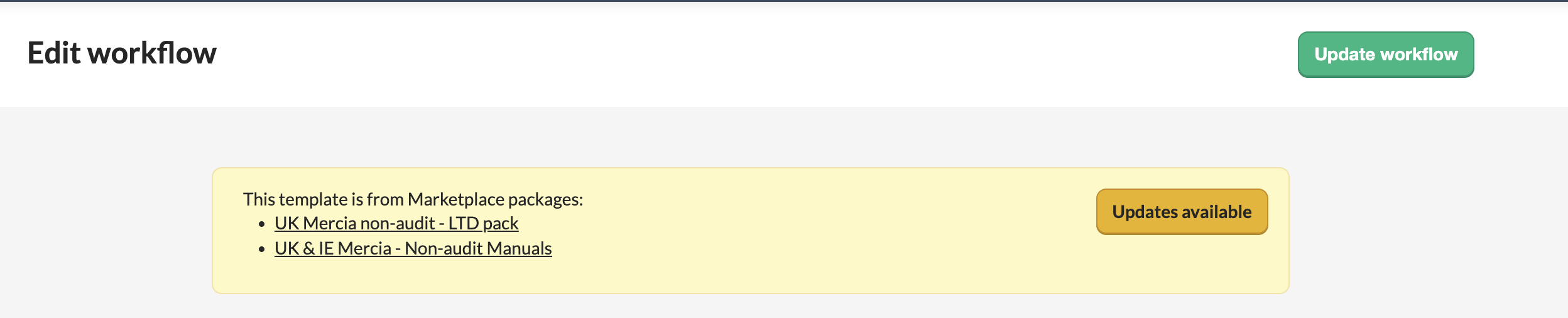
How updates to Marketplace workflows work
Once a workflow is synced with the Marketplace, updates are handled in one of two ways:
- Automatic updates: Updates are applied without any action required from your side.
- Manual updates: Updates must be activated manually. This is typically used for major changes that require awareness.
Editing a Marketplace workflow
Marketplace workflows are intentionally restricted to ensure consistency. However, you can make a few adjustments:
Rename a workflow
You can change the name to better match your internal naming conventions.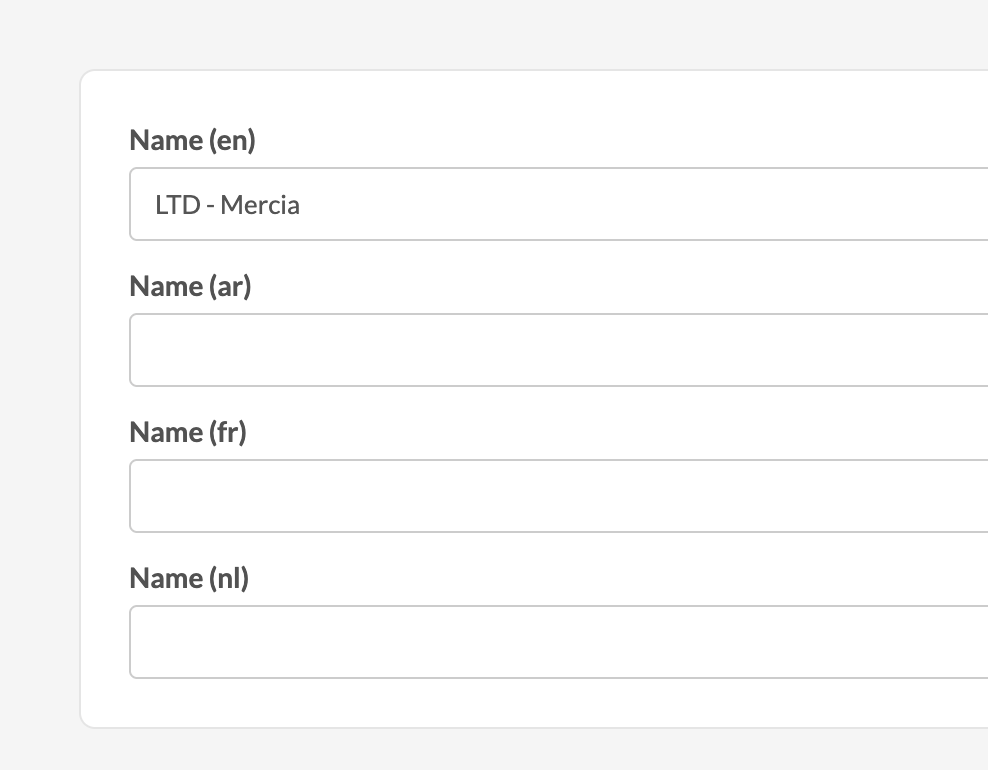
Allow manual addition in client files
You can control whether a workflow can be added manually in a client file.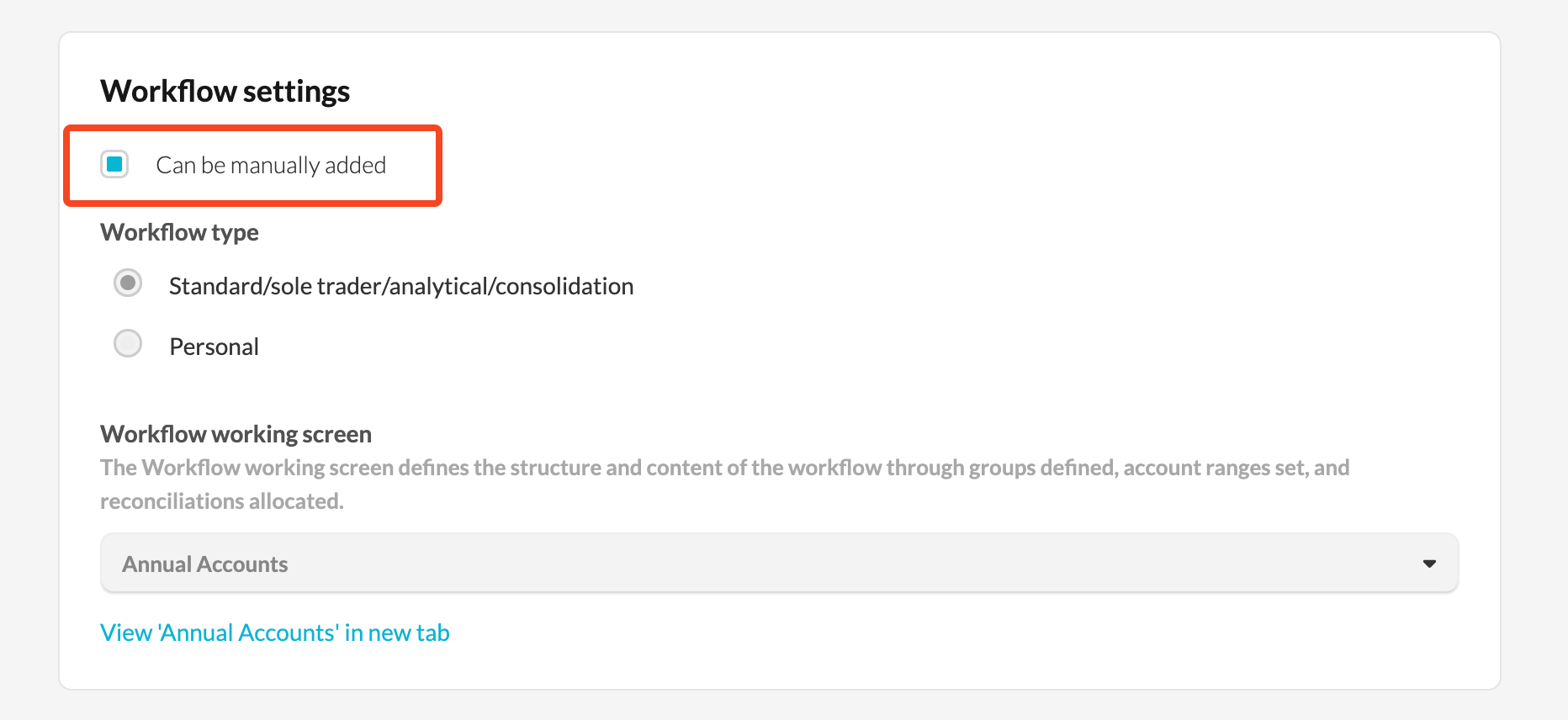
- When enabled, users can add it via 'Add workflow' at file level.
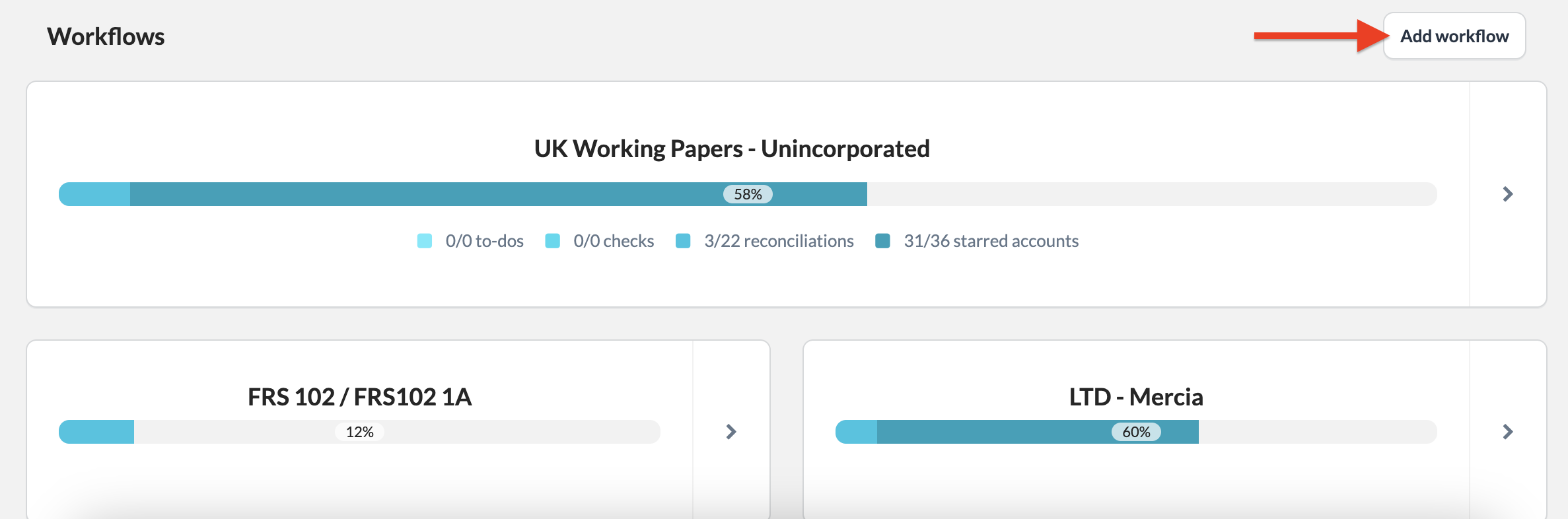
- This applies to both existing and new client files.
If you require more flexibility or firm-specific adjustments, consider desyncing workflow from the Marketplace.